View sections, elevation profiles, and clean model boundary edges using the Clipping Volume
Written By Nira.app
Last updated Over 2 years ago
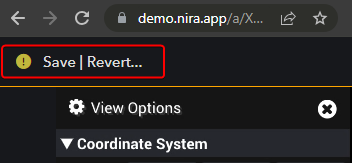
Log in as an Editor, click Edit Mode
Within the View Options panel, expand the Clipping Volume section
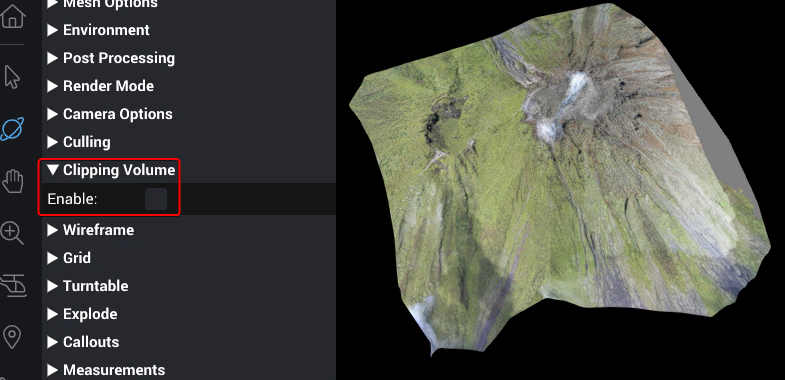
Click Enable
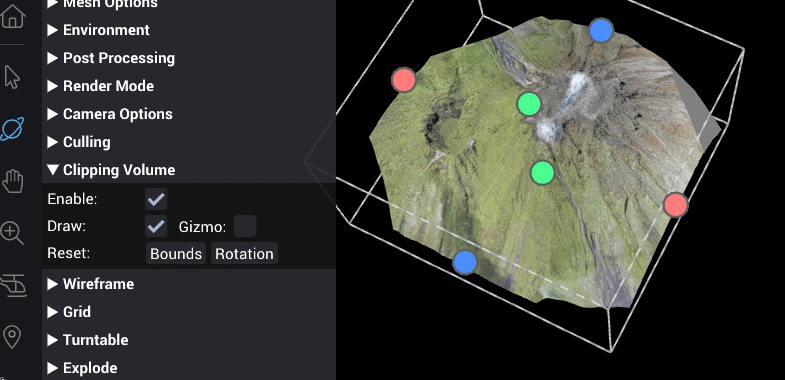
Adjust size using the filled colored circles, position using arrows and squares, and orientation using the circles. Position and Orientation require Gizmo to be enabled.

When you're done, you can disable Draw to hide all the gizmo handles. Leaving Draw and Gizmo enabled will allow viewers to temporarily adjust the volume size, position, or orientation.

Click Save