Gaussian Splat (3DGS) assets in Nira
Written By Nira.app
Last updated 2 days ago
3D Gaussian Splat (3DGS) is an innovative technique for reconstructing and rendering real world objects and environments. 3DGS provides the most realistic visualizations of reality data from photos and/or laser scans. All applications that generate 3DGS data can export to the PLY format. For a full list of the most common tools used to create 3DGS PLY files (both free and commercial), refer to the bottom of this help article.
Nira currently supports uncompressed PLY. It is a lossless format and retains all data generated during training, so it allows for the best possible results. Nira can render extremely large uncompressed PLY 3DGS scenes across any device. If your 3DGS file is in a different format (e.g., compressed .ply, .spz, .sog, .splat, .ksplat, .glb, .glTF, or USD), please use the free SuperSpl.at Convert tool to convert it. Select Standard PLY as the output result to export an uncompressed PLY file. The conversion is processed locally through your browser and the resulting data is saved as a download. Data is not transmitted to SuperSpl.at.
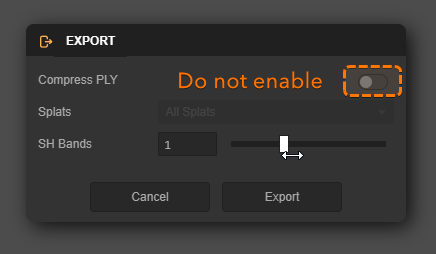
Export from SuperSplat:

Modify your SH Bands setting. Reducing this value will significantly decrease file size and improve rendering and loading performance in Nira, though it may impact the visual quality of reflective surfaces.
We’ll continue to update this help article with a more comprehensive list of tools and techniques as the 3DGS ecosystem evolves. Follow this page to stay informed about future updates.
Settings:
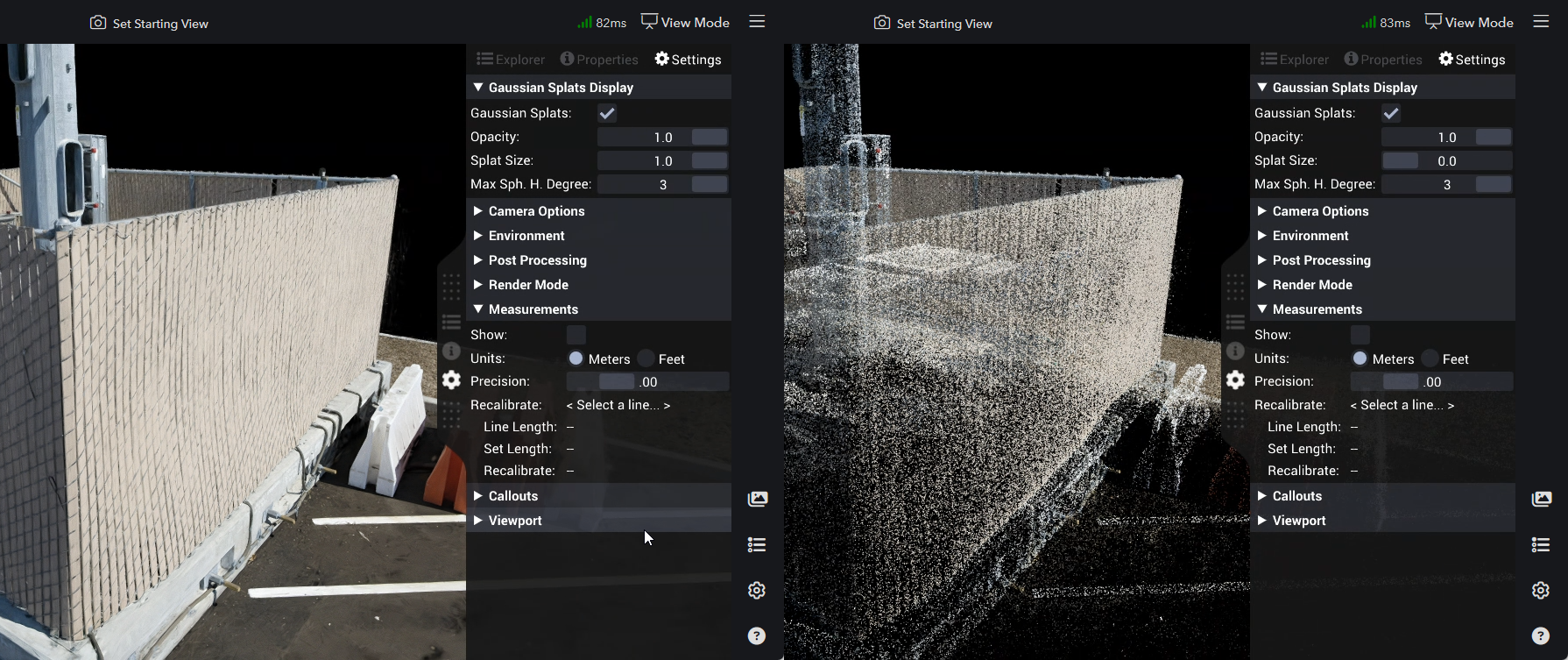
Adjust the Splat Size setting to visualize the points that make up each 3DGS.
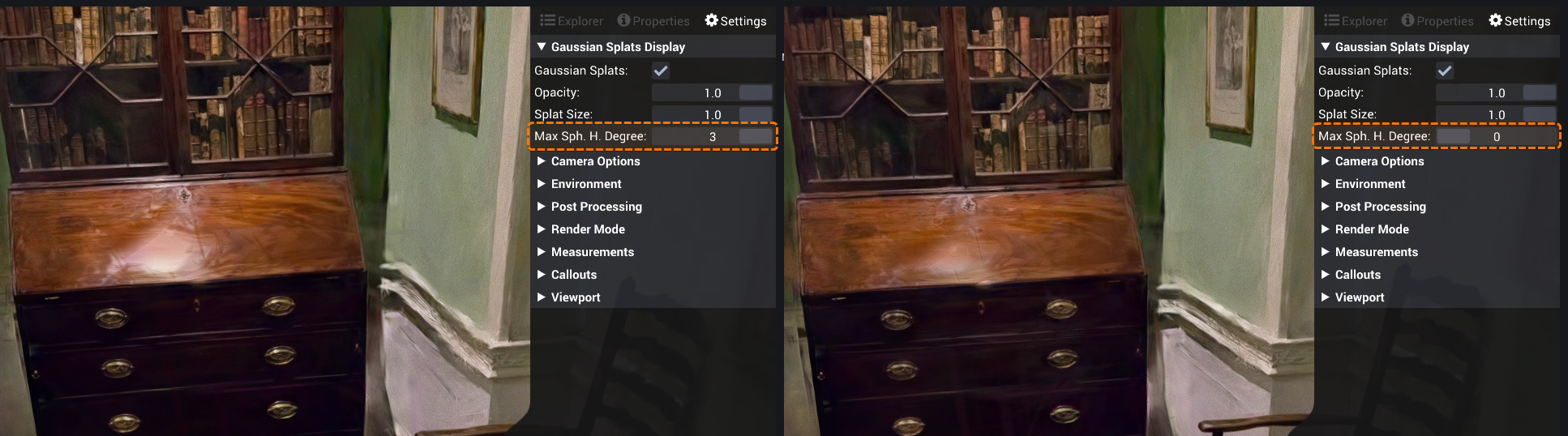
Modify the Max Spherical Harmonic Degree setting to reveal the reflective details of each 3DGS.
Supported Plans
3DGS is supported on all current plans (Individual, Professional, and Enterprise), however, 3DGS is not supported on legacy plans such as Core or Business (Learn more).
Multiple splats
When uploading multiple .ply 3DGS files, Nira will automatically merge them into a single file during upload. It's not possible to toggle individual 3DGS files on or off, or to add additional 3DGS files to an existing asset that already contains 3DGS data.
All file formats can be intermingled with 3DGS within an asset. If you're uploading photos in addition to 3DGS and other 3D data please ensure the accompanying BlockExchange XML file is included in your upload.
3DGS processing software
Commercial applications: Postshot, LCC Studio, DJI Terra, Bentley iTwin, GreenValley LiDAR360, FJD Trion Model
Free, open-source apps: Lichtfeld and gsplat