Delete a 3D Callout
Written By Nira.app
Last updated About 2 years ago
To delete a callout, you must either have edit access to the asset or be accessing it through an inspection link.
- Find the Callout you wish to delete and click on it. This will open a modal window displaying the callout details. If you don't see the modal window, ensure you are logged in.
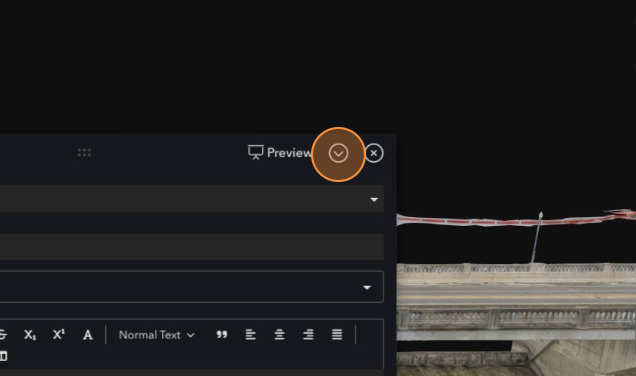
- Click the downward chevron icon next to the X close button to access options for the callout.
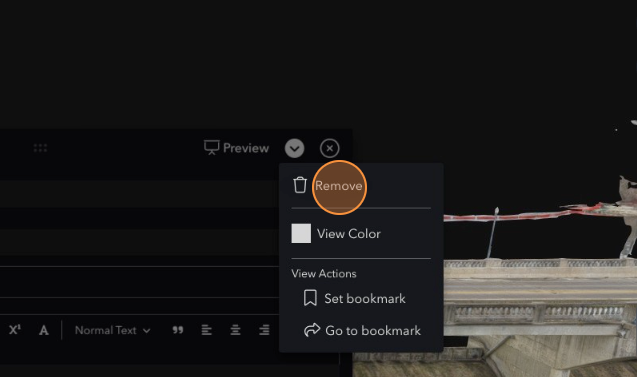
- Click "Remove." This will open up a new confirmation dialog.
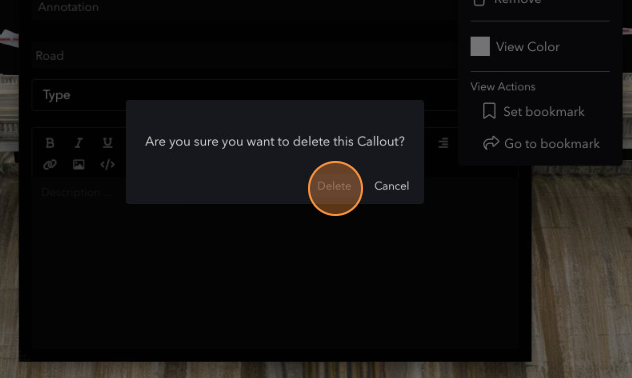
- Confirm that you want to remove the callout by clicking Delete.